
Popout · Create on iPhone
Turn a favorite photo into a digital chibi figurine
Preview a stylized character first. When you like the image, use points to build a 3D figurine you can rotate in the App, place in AR and export as a rotating video.
See the input, the preview and the model

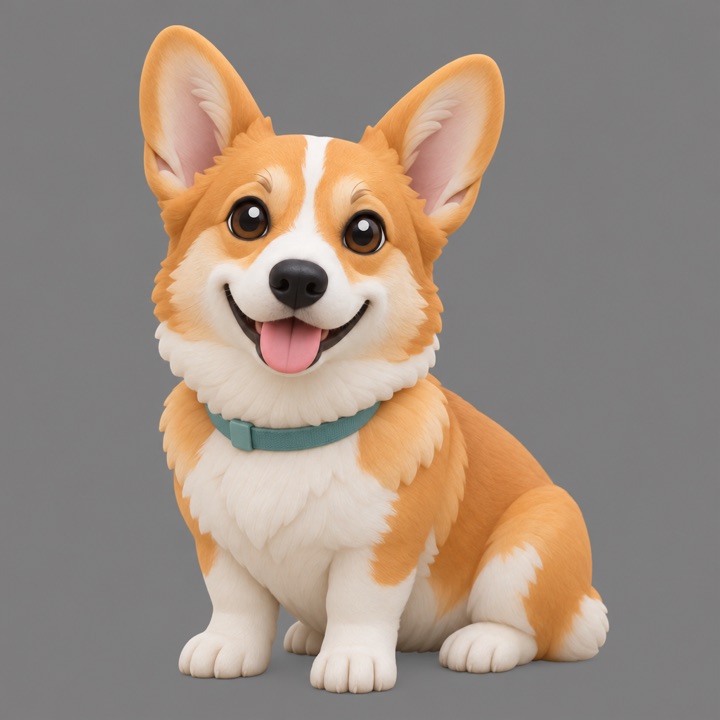
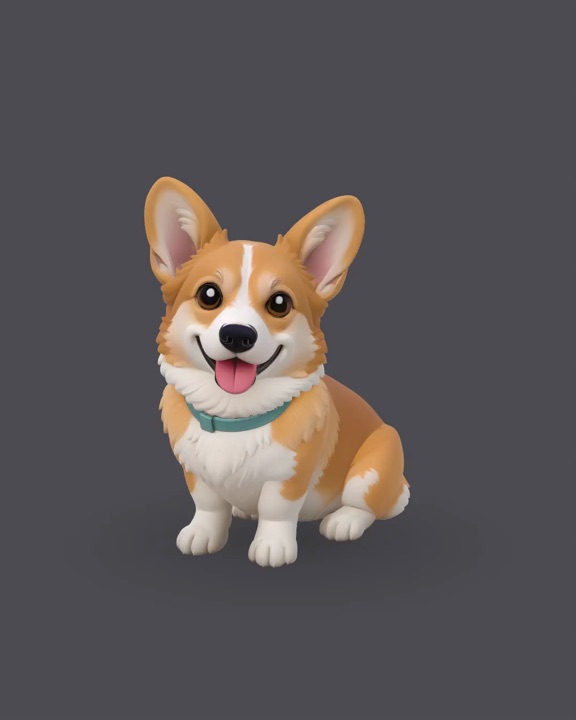
Cloud creation starts with your consent
Figurine creation uses cloud processing. Read the photo-use notice and consent before the selected photo is uploaded. Local 3D photo creation uses a different workflow.
Preview allowances, rerolls and point costs are shown in the App. Check them before confirming a build. Read the points explanation; the current App display and membership terms govern the offer.
Look beyond the front view
Drag to rotate the finished model and inspect the back as well as the face. Generated hidden surfaces may change details. In the family example, a child’s yellow dress became red at the back; the original result is preserved in our guide.
Use the preview-to-model walkthrough to decide what to check at each stage.
A digital keepsake for your screen and space
View the model in 360°, use the App’s AR placement and export a rotating video. These are digital outputs. Popout does not offer an STL export, physical printing service or delivery of a manufactured figurine.
Requires iOS 17 or later. AR uses the camera; this page’s evidence is the model turntable, not an AR camera recording.